
With AI, Teachers Need to Make the Thinking Visible
Soundbytes is a weekly newsletter that explores the reality of teaching in an AI world.
Subscribe to receive it in your inbox each week.
Sometimes I think the only reason I’m surviving this moment in education is because I taught for decades before generative AI arrived. I have a strong internal compass for what real student thinking looks like. I know what typical math “show your work” looks like, what typical middle school writing usually contains, and the difference between “I tried my best” and “ChatGPT tried its best.” I cannot imagine being a brand-new teacher today and coming into this cold, with no mental archive to lean on.
In my Technology & Society class, I adjusted to AI by having students give multiple presentations each semester. As we move through each presentation, I try to help them achieve more independence in thinking of what to cover and how to present it. For the earlier presentations, I gave students a set of 10 questions to answer (which becomes their 10 slides). But as we progressed to the third presentation, I wanted to nudge them toward independence — to let them think through how to build a coherent set of slides on their own.
Here’s the problem: if I gave no guidance, I knew exactly what would happen. Most students would go straight to AI and type, “What 10 slides should I use for a presentation on ___?” And while AI can give them a tidy list, that isn’t the point. The point is for students to think about:
- what they’ve learned
- what gaps remain
- how to structure ideas in a way an audience can actually follow
To get there, I had to design a process where their brains and bodies were the most fun tool to use, not AI. So here’s how I did that:
Step 1
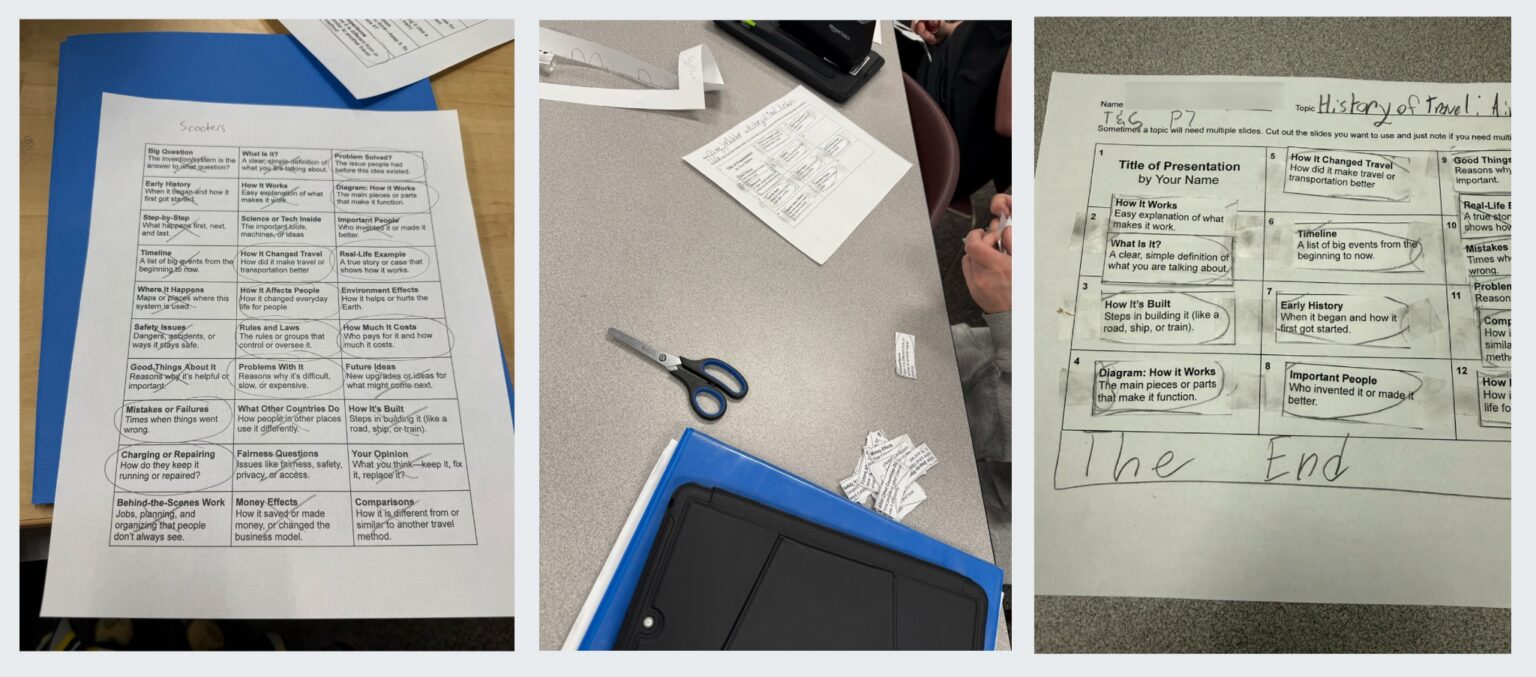
I created a list with dozens of slide headers, each with a short description. Students went through the list, crossing out the slides that didn’t fit their topic and circling the ones that did.
Step 2
They cut out the slides they selected and spread them out on the table in front of them. (This step alone changed the energy in the room. Give middle schoolers scissors and suddenly they’re very awake.)
Step 3
Students rearranged the slip-of-paper slides until they found ten that formed a logical, engaging sequence for an audience. Some asked if they could add their own slide into the mix – one of those teacher moments where you feel like you are definitely winning!
Step 4
They taped their chosen slides onto a “design grid” I provided which became their physical template for the real thing.
Step 5
Only then did students open Google Slides. Their job was simply to start by creating a deck with those ten slide headers. If they got stuck, I told them: “Just make the ten slides with headers you already planned. Start with that.” And like magic, they did.
Step 6
Students added images to slides. They have to present with notes (unless, of course, there is some kind of accommodation). And I want them looking at the audience, not their slides, so they have to do their presentation with slides that contain 5 words or less. I’ve found this means they actually learn and practice their topic.
What struck me most was how the physical act of sorting, choosing, and arranging slides held their attention far better than any digital equivalent. These students live in a world where their hands are trained to reach for devices the second their brain hesitates. If we don’t replace that instinct with a physical task that supports thinking, the devices win (and usually not in service of learning).
This little redesign isn’t about stopping kids from using AI. It’s about giving them a reason not to skip the thinking. When the structure is strong enough and the work feels tangible, students stay with the task. They focus. They produce. And most importantly, the thinking is theirs.
Who does the Socrait data belong to?
At Socrait, we believe strongly that Socrait data belongs to the teacher who collected it. The teacher’s voice is the source, and it was the teacher’s choice to press start and stop in order to collect the data.
This belief translates into the product decisions we make. For example, we know that teachers encounter all sorts of weird classroom situations from allergic reactions to that student who asks a question you don’t really feel comfortable asking.
We hope that you always see Socrait as the classroom assistant that “has your back” but if you don’t want to save the data on a given day, we want you to know that there is a “Delete class data” option.
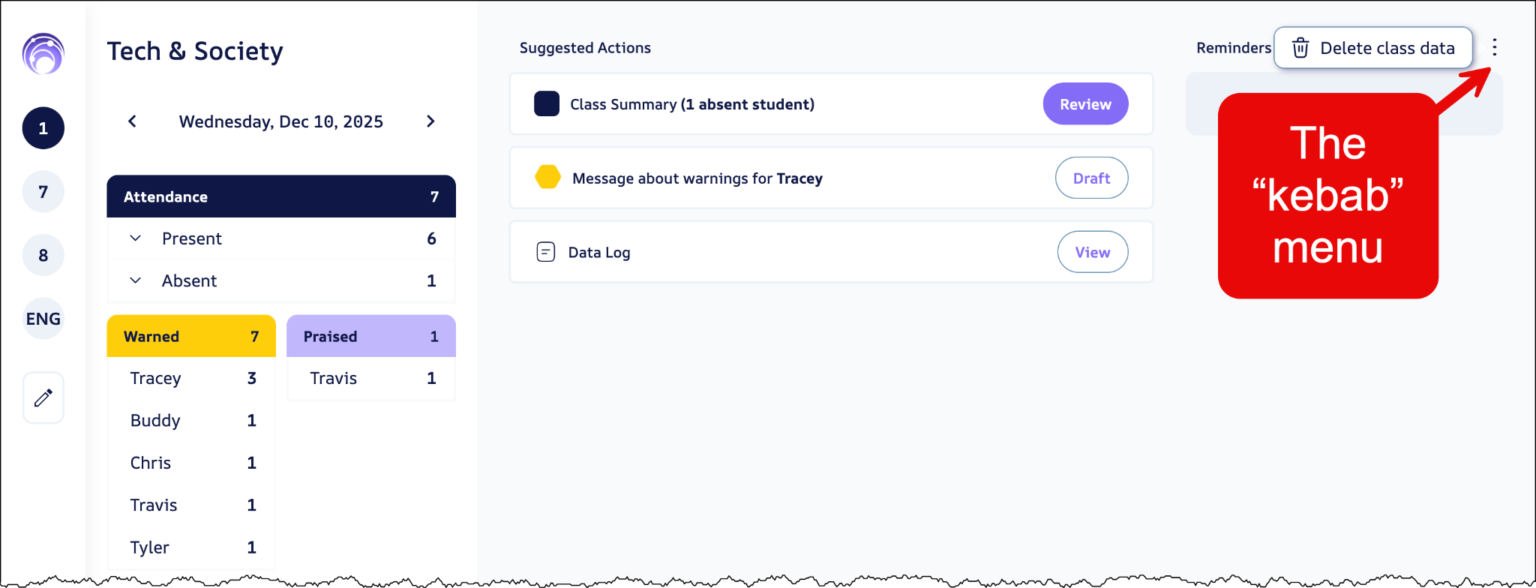
On the Class Dashboard, click the three dots menu (known in the UI/UX world as the “kebab” menu) and you’ll see the option to delete the data. When a teacher uses this, we delete everything for that session. It’s like you never used Socrait during that class.
You may also wonder if administrators have access to the Class Dashboard from a teacher’s class. They don’t. Nobody can see exactly what the teachers see. If a principal wants to discuss data about a class, their best bet is to ask to look at it with the teacher. That’s a better conversation anyways since data lacks the nuance of context.
We will eventually build administrative dashboards, but those will need to have either aggregated data OR teacher permission to share the data with the receiver or the whole school.
Asking a teacher to automatically share all the educational data said aloud in the classroom would be a bit like asking an administrator to share every email they write and send to parents. Neither one would be an appropriate level of sharing. Professionals need to have some degree of autonomy to use their own data appropriately.
Inbox Serotonin
For many of us, it’s School Spirit Week this week and depending on your school, it is either school-wide or a big secret where teachers do silly things every day.
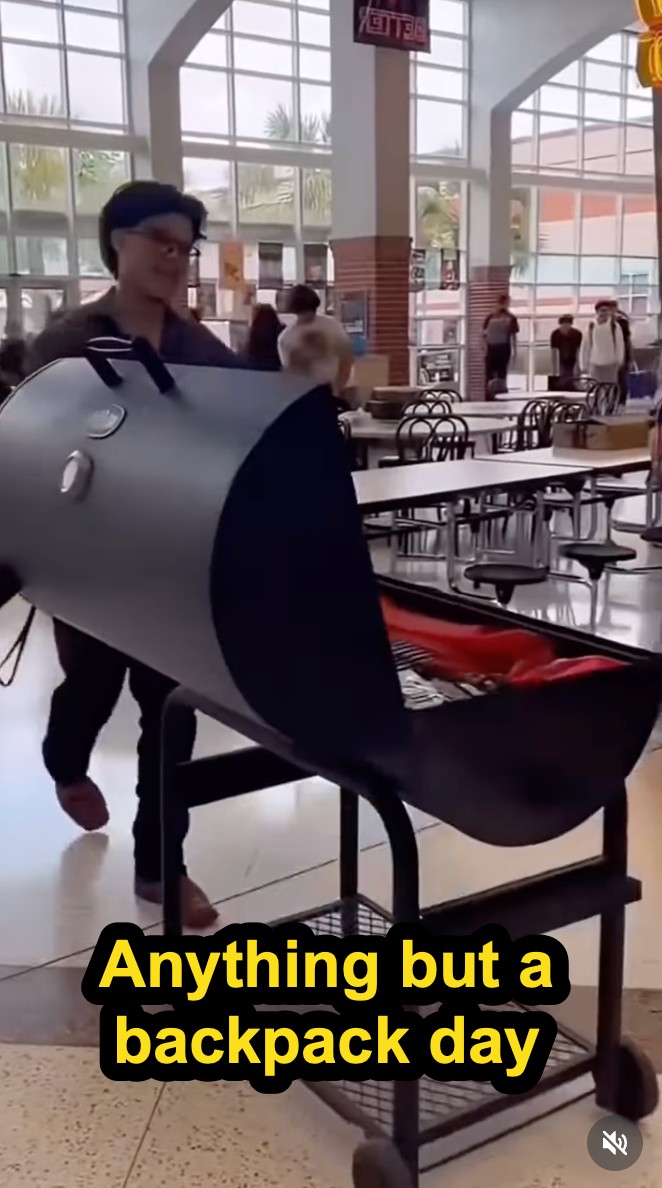
I discovered some schools have an “Anything-but-a-backpack Day” for students, and some of the compilations for these are pretty funny, though it is wicked hard to find the original source material. We think that AmericanHighShorts might have provided some of the clips in that video.
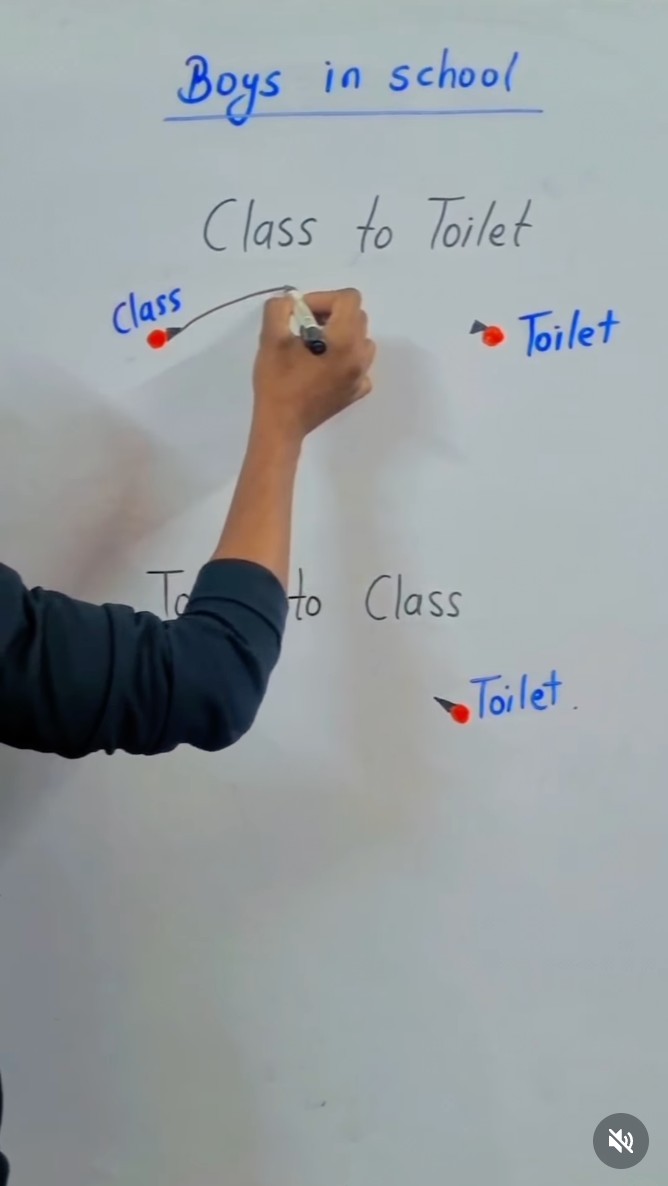
I also appreciated this little gem from Ali Khan about what the real bathroom route looks like for a boy.
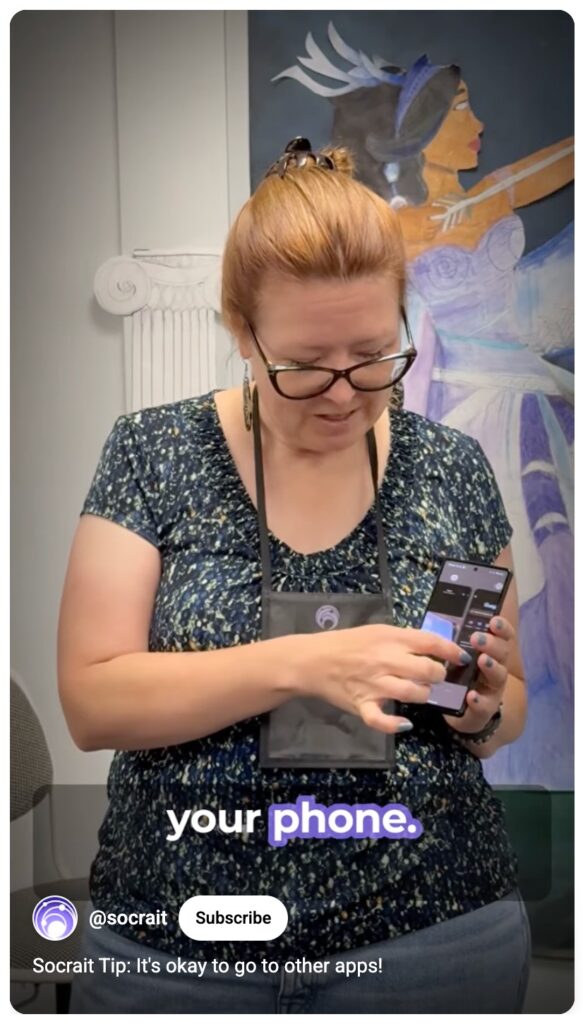
Socrait Tip: Okay to Use Other Apps!
Socrait is your classroom companion. It listens to you while you teach and gives you back your data after class, giving your brain time to breathe during the day. After class, Socrait will draft your parent emails, create class summaries for absent students, help you remember where that class left off, and remember your spoken aloud to-dos.
We often get asked “What if I need to use another app on my phone while Socrait is running?” It’s no problem. Socrait will remain streaming until you stop it (or until we detect that you’ve forgotten to turn it off).
Happy Holidays!
As schools wind down this week, I’m taking a short break on teaching and writing newsletters too. We hope you are able to destress and reset over the break! I’ll be back to writing again by the New Year!
If you want to purchase Socrait for your school in 2026, it’s not too late! We have a limited number of openings remaining in our Early Adopter (Lighthouse) Program, which includes special discounted pricing available only through the end of this calendar year.
Schools can sign up now and opt to be billed in 2026. If you’re interested or would like more details, please contact jim@socrait
About the author: Dr. Maria Andersen has been an educator for 30 years in both Higher Ed and K-12 teaching a variety of subjects (math, chemistry, business, ELL, technology, pre-service teachers). She has given hundreds of workshops and keynotes about active learning, curriculum redesign, remote and online learning, effective use of technology, and using AI for teaching & learning. Andersen teaches middle schoolers at a charter school in Utah. She was also the CEO of Coursetune and is currently the CEO of Socrait.